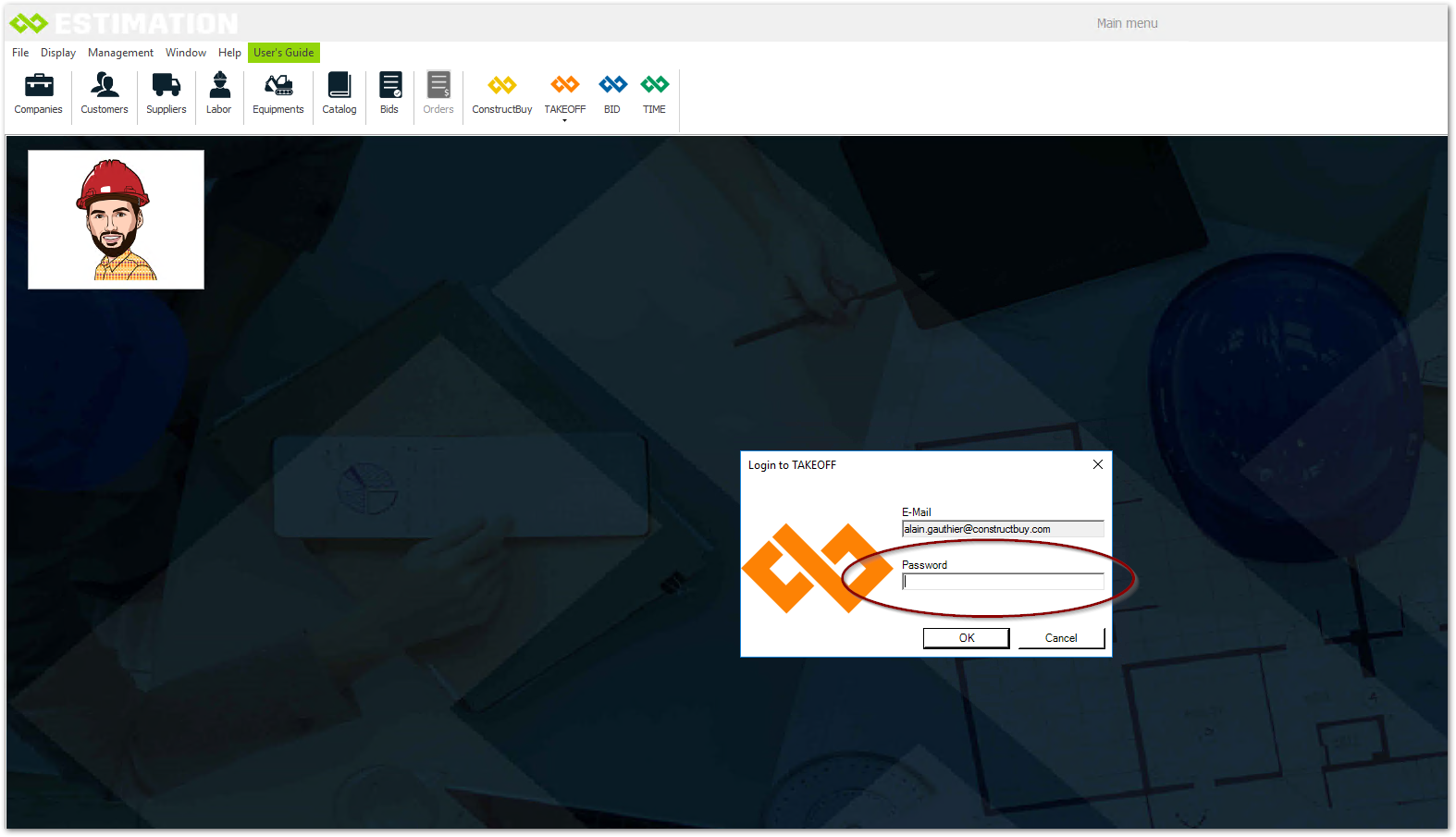
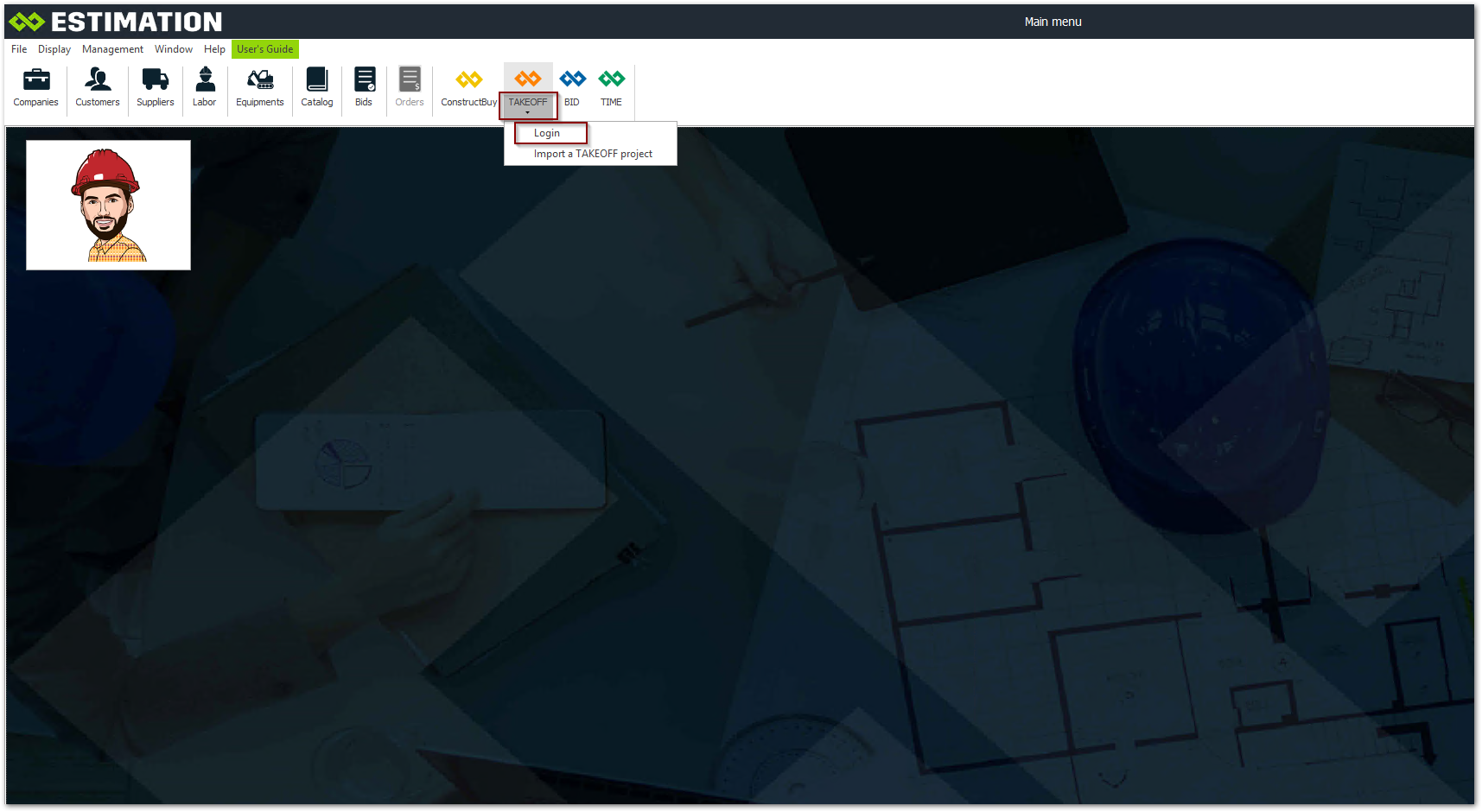
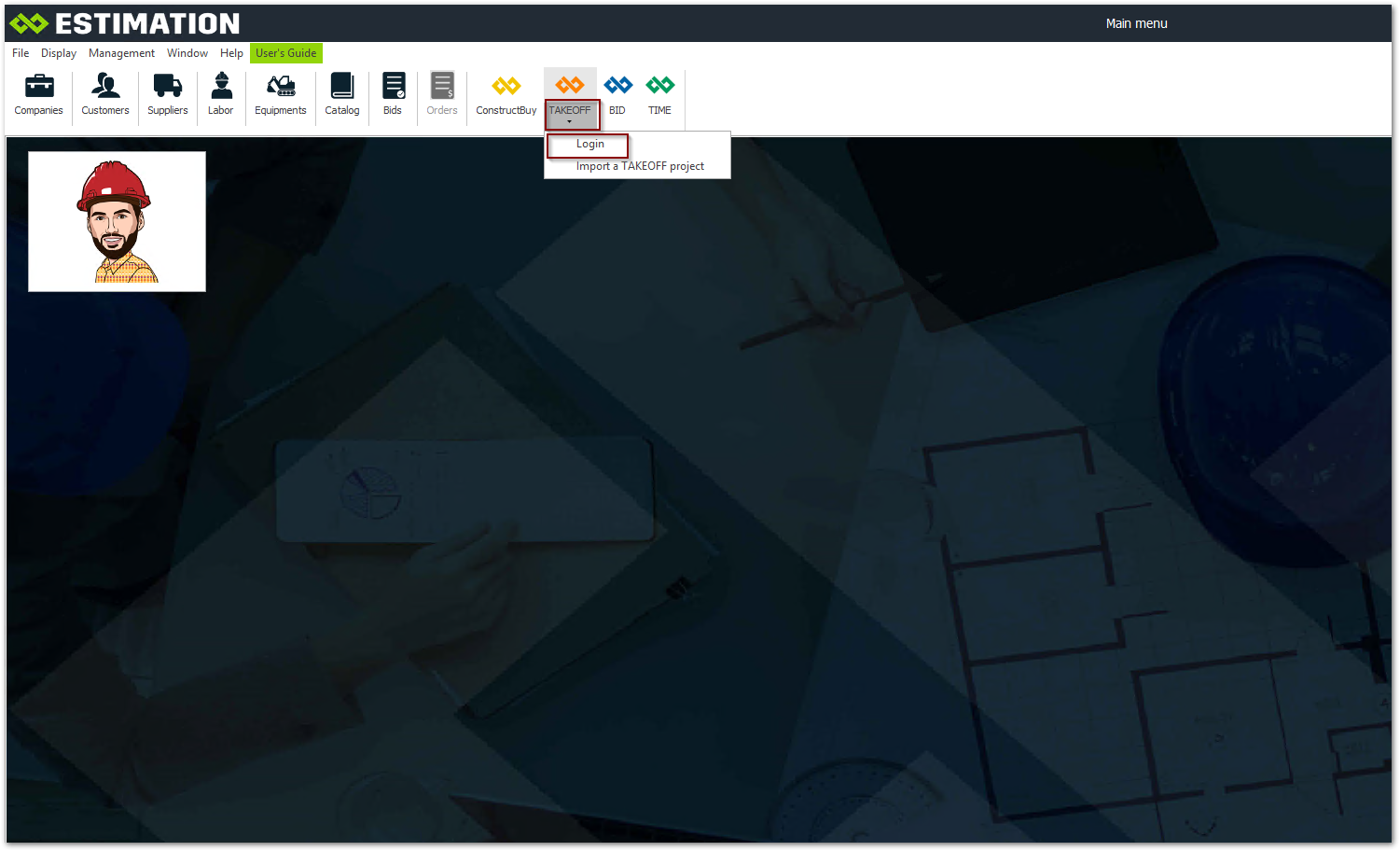
In ESTIMATION, click on the arrow on the TAKEOFF icon to connect
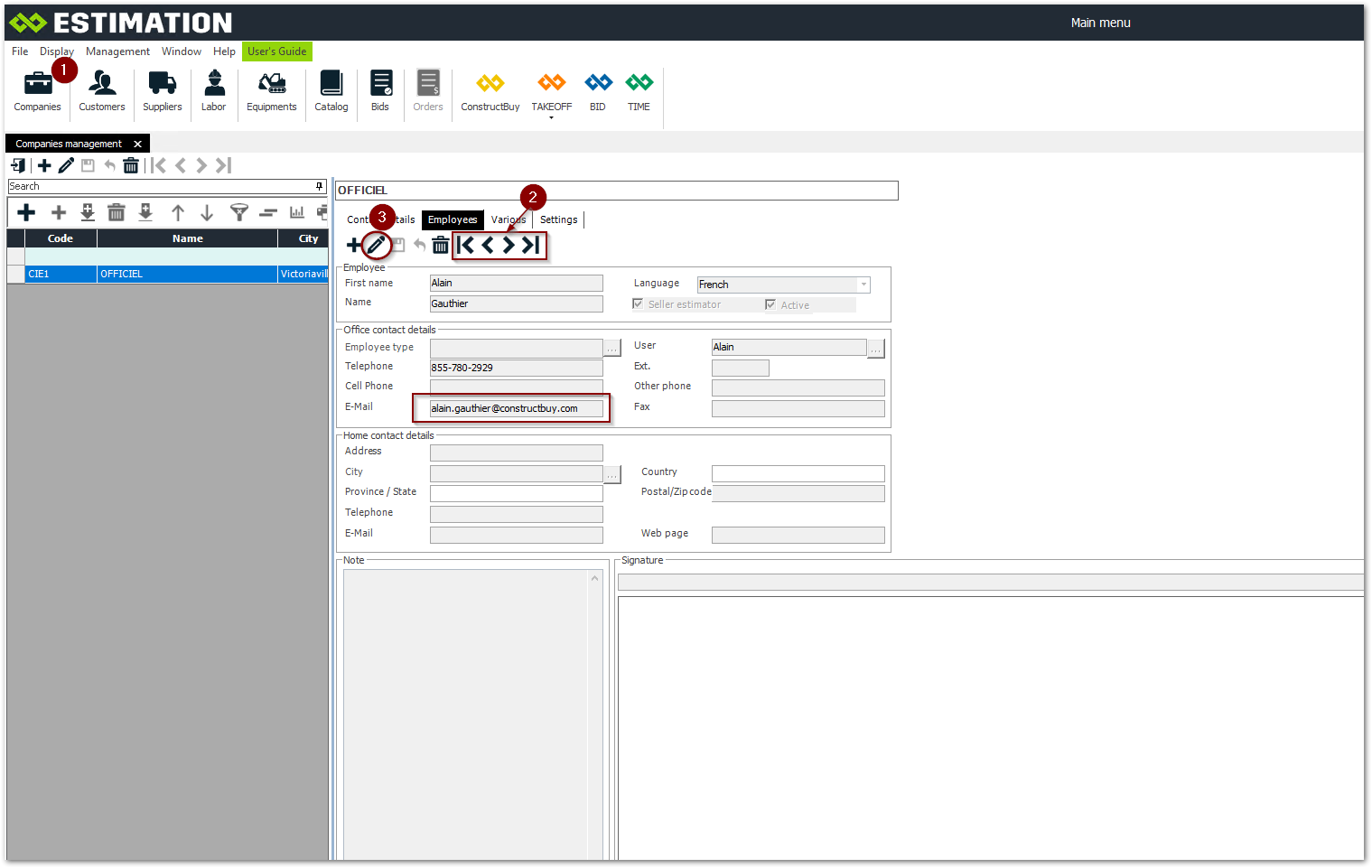
If you need to configure your Constructbuy login, here are the steps to follow
-
Open the company management.
-
Select the employee's record.
-
Put in modification with the pencil. See next image
-
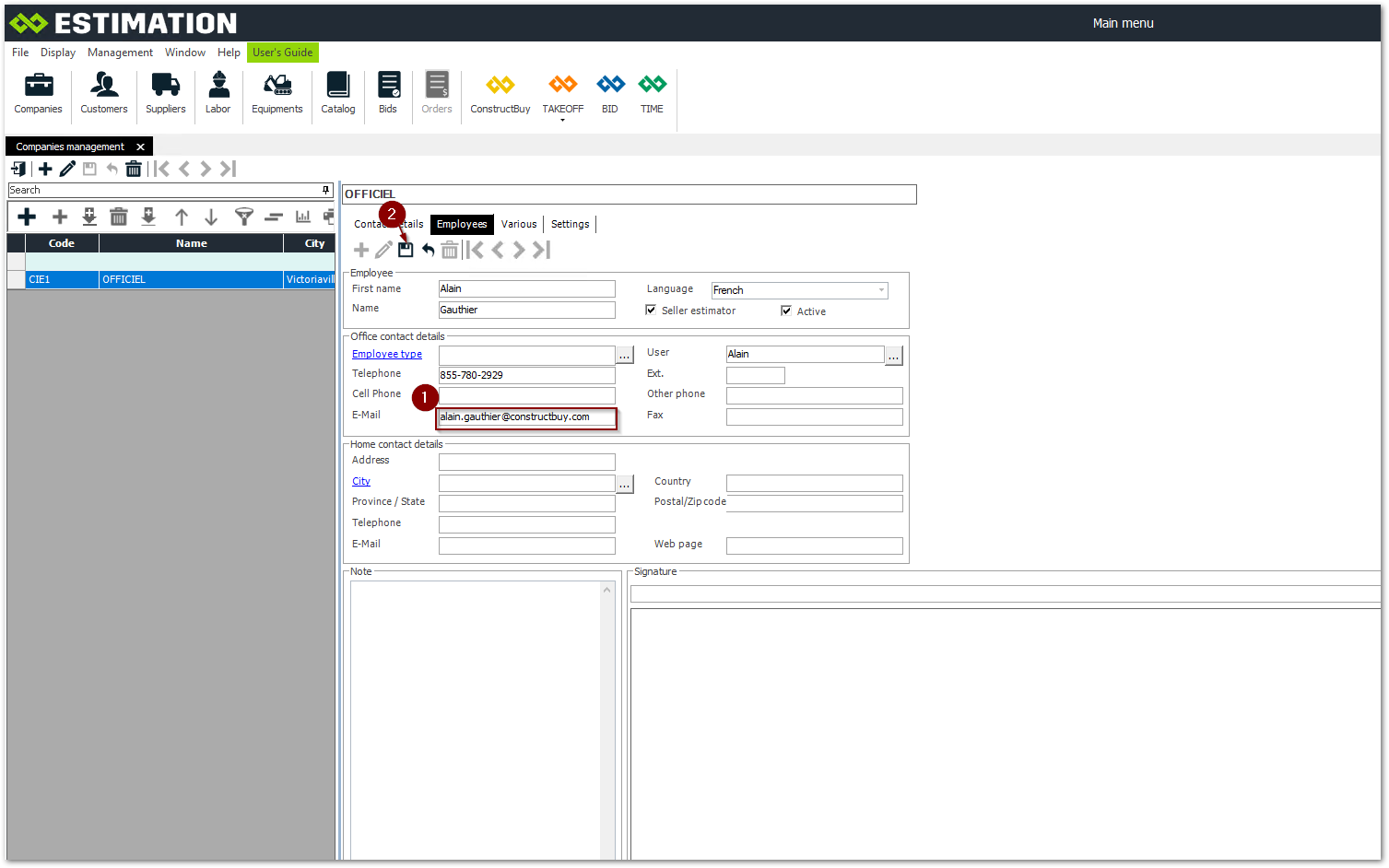
Enter the email address associated with your Constructbuy account
-
Save the change
Click on the arrow on the TAKEOFF icon to connect
Your login is now configured.
Please enter your password. This password is the same as the one you use to access the http://www.constructbuy.com platform.
Click on OK