
When you receive a ConstructBuy invitation to bid that includes an invitation code, follow the steps below to access the project:
-
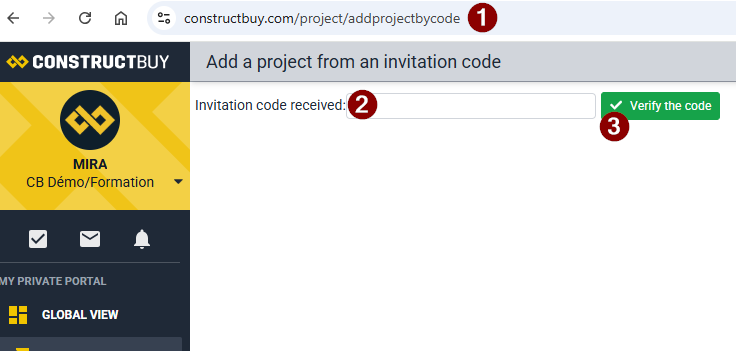
Follow this link which is also the link in the message you received.
-
Enter your invitation code.
-
Click Verify the code.
The project should have been added to your Our Projects tab in ConstructBuy.
If not, make sure there is no mistake in the code you entered.